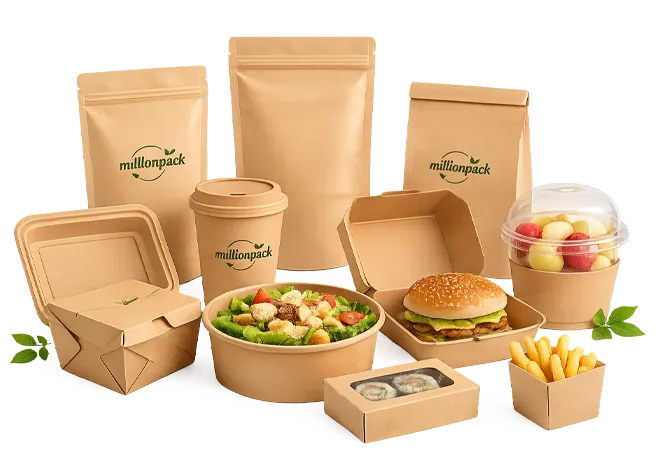
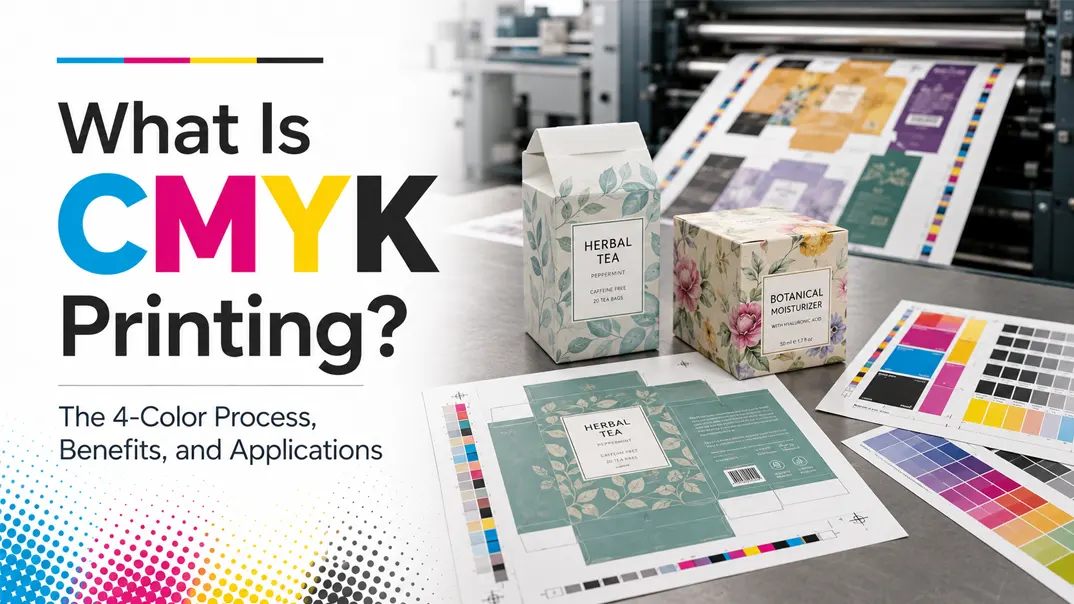
Color is one of the first things customers notice about packaging. It can help a product stand out, communicate its identity, and make the design easier to recognize. However, reproducing a colorful packaging design does not require a separate ink for every color you see.
Most full-color packaging is printed using four standard inks. By controlling how these inks appear and overlap on the packaging surface, printers can reproduce photographs, illustrations, gradients, and a wide range of colors. This system is known as CMYK printing, or the four-color printing process.
In this article, you will learn what CMYK means, how the four-color process works, why it is widely used in packaging printing, and what factors can affect the final printed result.
What Is CMYK?
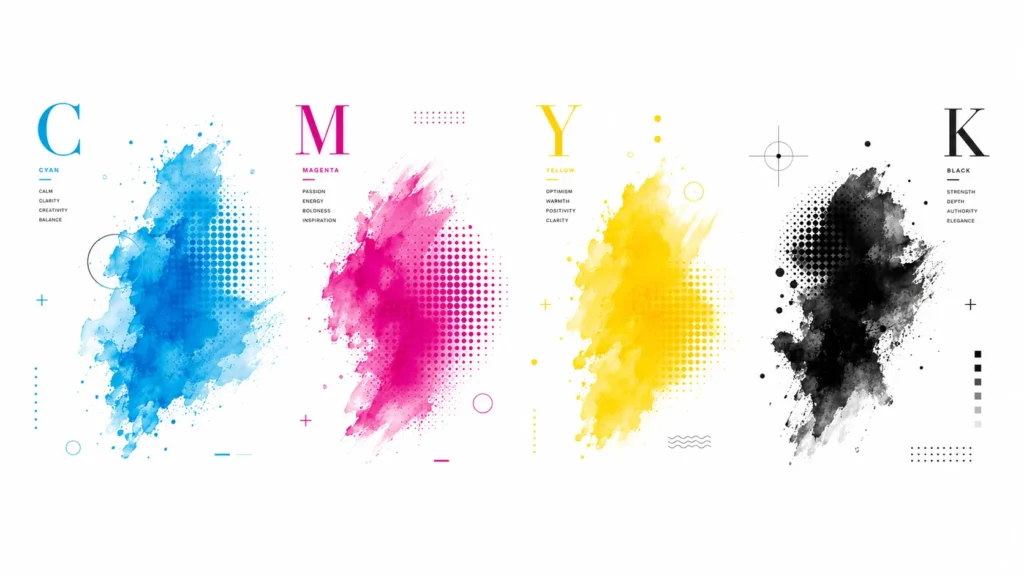
CMYK is the standard color model used for full-color packaging printing. The letters stand for Cyan, Magenta, Yellow, and Key, with “Key” referring to black. By using these four inks in different proportions, printers can reproduce a wide range of colors, including photographs, illustrations, gradients, and detailed packaging graphics.
Although cyan, magenta, and yellow can create many colors, they do not produce a clean, deep black when combined. Black ink is therefore added to improve text clarity, shadows, outlines, and contrast. This four-ink system is why CMYK printing is also called the four-color printing process.
How Does the CMYK 4-Color Printing Process Work?
CMYK works through a subtractive color model. When cyan, magenta, and yellow inks are applied to a white surface, they absorb different parts of the light. The remaining reflected light creates the color you see. As more ink is added, the printed color becomes darker.
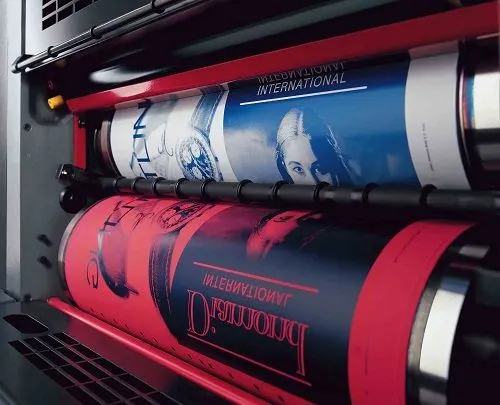
During printing, the four inks are applied as tiny halftone dots. By changing the size, amount, and overlap of these dots, the printer can create different colors and shades. Cyan and yellow produce green, while magenta and yellow produce red or orange.
Black ink is added because cyan, magenta, and yellow cannot produce a clean, deep black on their own. It creates sharper text, stronger contrast, and deeper shadows in the final packaging design.
What Are the Benefits of CMYK Printing?
Reproduces Detailed Full-Color Designs
CMYK can reproduce photographs, illustrations, gradients, shadows, and designs containing many colors. Tiny halftone dots allow the printer to create smooth changes in color and tone.
Uses Only Four Standard Inks
A design may contain dozens of visible colors, but the printer can produce them using cyan, magenta, yellow, and black. There is no need to prepare a separate ink for every color in the artwork.
Cost-Effective for Multicolor Packaging
Using four standard process inks is usually more practical than printing a complex design with several individually mixed spot colors. This makes CMYK suitable for full-color packaging produced in larger quantities.
Produces Clear Text and Dark Details
The black ink provides sharper text, cleaner outlines, stronger contrast, and deeper shadows than combining cyan, magenta, and yellow alone.
Works with Different Printing Methods
CMYK can be used with common packaging printing methods, including offset, digital, and flexographic printing. This allows the printing method to be selected according to the material, order quantity, and required result.
Suitable for Repeat Production
CMYK values, color profiles, calibrated equipment, and approved proofs give printers a clear reference for repeat orders. Although slight variation is still possible, proper color control helps keep results consistent across production runs.
Can Be Combined with Other Processes
CMYK can be combined with Pantone colors, foil stamping, embossing, lamination, and spot UV when the packaging requires more accurate brand colors or additional visual effects.
What Is the Difference Between CMYK and RGB?
Why do the colors on a computer screen often look different after printing? This is a common problem for designers, packaging buyers, and anyone preparing artwork for print. Now that we understand how CMYK printing works, the reason is easier to explain.
Printed packaging uses the four-color CMYK model. Computer screens, however, use a different color model called RGB, which stands for red, green, and blue. RGB creates colors with light, while CMYK creates colors with ink. This is the main difference between the colors you see on a screen and the colors you see in print.
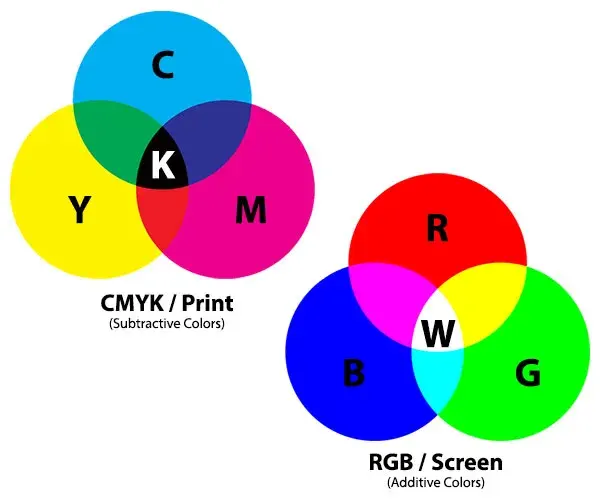
The two models also reproduce different ranges of color. RGB can display many bright and vivid shades that standard CMYK printing cannot fully reproduce. This means it is not always possible to print every color exactly as it appears on your screen.
The final result is also affected by other factors, including the type of ink, the packaging material, the printing equipment, and the surface finish. Converting your artwork to CMYK before printing can reduce unexpected changes, but important colors should still be confirmed with a printed proof.
Is CMYK the Same as UV Printing?
CMYK and UV printing are not the same thing. CMYK describes the four colors used to create an image, while UV printing describes how the ink is dried.
In UV printing, ultraviolet light cures the ink almost immediately after it is applied. The printer can still use cyan, magenta, yellow, and black inks, which means UV printing can also be a CMYK printing process.
CMYK can be used with several printing methods, including offset, digital, flexographic, and UV printing. The best option depends on the packaging material, order quantity, design, and finish you need.
What Affects the Final CMYK Printing Result?
The same CMYK values do not always produce exactly the same result on every package. The final color depends on several parts of the printing process.
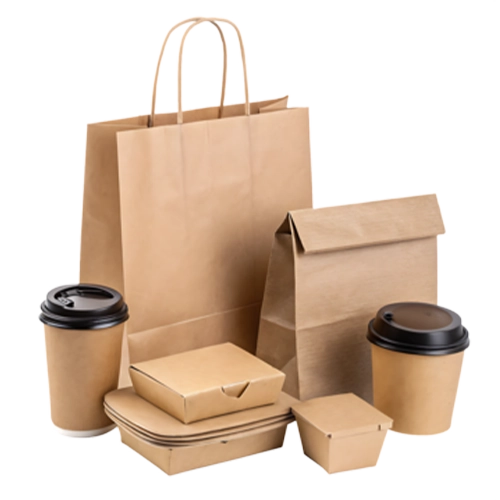
The packaging material has a major effect. Colors usually appear brighter on smooth white paper, while kraft paper, uncoated paper, and corrugated board can make them look darker or less vivid.
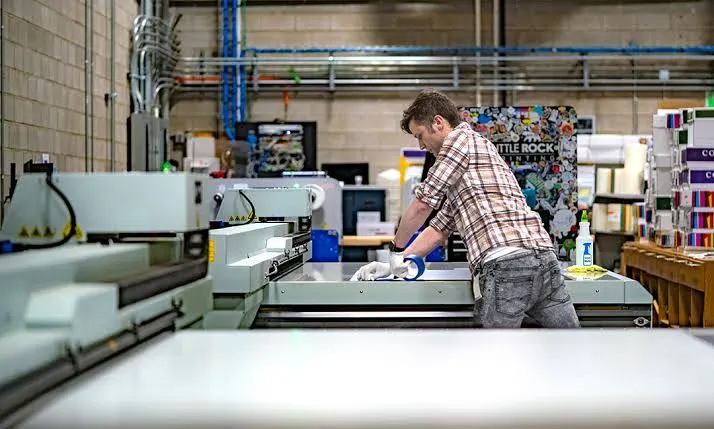
Ink, printing equipment, and surface finishes also matter. A gloss coating may make colors appear richer, while a matte finish creates a softer look. Small changes in ink density or machine settings can also cause slight differences between production runs.
How Should You Prepare Artwork for CMYK Printing?
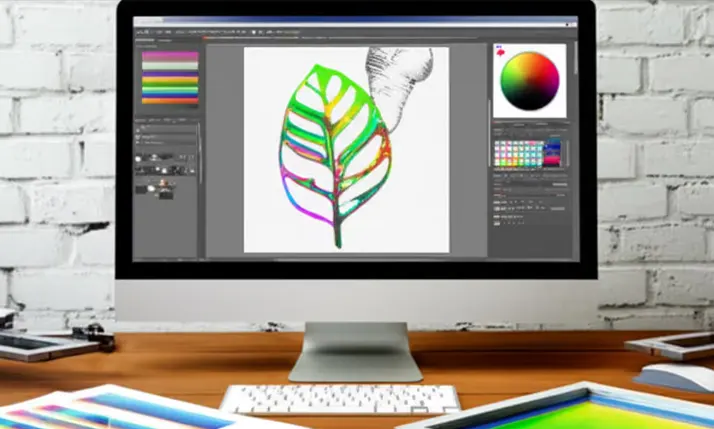
Before sending your packaging design to the printer, convert the file to CMYK and check whether any colors change noticeably. Bright RGB colors may become darker or less vivid after conversion.
You should also:
- Use high-resolution images
- Add the correct bleed
- Keep text inside the safe area
- Outline or embed fonts
- Confirm the dieline size
- Mark any Pantone or special colors clearly
- Export the file in the format required by your printer
For important brand colors, ask for a printed proof before mass production. This gives you a more reliable result than judging the design only from a screen.
Common Applications of CMYK Printing
CMYK printing is used whenever a design contains photographs, gradients, illustrations, or several colors. In the packaging industry, common applications include:
- Folding cartons
- Food packaging
- Corrugated boxes
- Paper bags
- Paper cups and sleeves
- Product labels
- Cosmetic packaging
- Pharmaceutical packaging
It is especially suitable for designs that need to show product images, detailed graphics, or promotional information. However, the final printing method should still be selected according to the packaging material, order quantity, and required color accuracy.
Frequently Asked Questions
Is CMYK Ink Safe for Food Packaging?
CMYK only describes the color system, not whether the ink is food-safe. Food packaging should use suitable low-migration or food-packaging inks, and printing is normally placed on the outside of the package.
Can CMYK Be Printed Inside a Food Box?
It is usually better to keep printing away from direct food contact. If the inside of the package must be printed, the ink, coating, and packaging structure should be assessed for the intended food and use conditions.
Does CMYK Look Different on Kraft Food Packaging?
Yes. Brown kraft paper reduces brightness and changes how colors appear. Light colors may look duller, so a white ink base may be needed when you want a brighter result.
Do Greaseproof Coatings Affect CMYK Colors?
They can. Coated and uncoated surfaces absorb ink differently, which can change color depth, sharpness, and gloss. The final material and coating should be confirmed before approving the artwork.
Can CMYK Print White on Food Packaging?
Standard CMYK does not include white ink. White normally comes from the paper itself, while kraft, dark, or transparent packaging may require a separate white ink layer.
Conclusion
CMYK is a practical choice for creating colorful, detailed food packaging boxes. The final result still depends on the paper, ink, coating, and printing method. Million Pack helps you select the right materials and printing solution for consistent, attractive food packaging.